Documentation Index

Fetch the complete documentation index at: https://www.truefoundry.com/llms.txt

Use this file to discover all available pages before exploring further.

This guide demonstrates how to use TrueFoundry OtelCollector along with the Traceloop SDK to instrument Python code. In this example, we’ll show how to instrument a simple Python application with nested function calls using Traceloop’s task decorators.
1

Create Tracing Project, API Key and copy tracing code

Follow the instructions in Getting Started to create a tracing project, generate API key and copy the tracing code.
2

Install Dependencies

First, you need to install the following
pip install traceloop-sdk dotenv
3

Add Tracing code to Python application

For Python applications, we need to add the Traceloop.init() call to the application and use the @task decorator to trace functions.
Python Code
from dotenv import load_dotenv
import os

# importing traceloop sdk and decorators
from traceloop.sdk import Traceloop
from traceloop.sdk.decorators import task

load_dotenv()

# Add the traceloop init code to your application
TFY_API_KEY = os.environ.get("TFY_API_KEY")
Traceloop.init(
    api_endpoint="<enter_your_api_endpoint>",
    headers = {
        "Authorization": f"Bearer {TFY_API_KEY}",
        "TFY-Tracing-Project": "<enter_your_tracing_project_fqn>",
    },
)

# Child function — will create its own span
@task(name="greet_user_task")
def greet_user(name):
    print(f"Hello, {name}!")

# Parent function — also creates a span and calls the child
@task(name="main_task")
def main():
    user_name = "Sateesh"
    greet_user(user_name)
    print("Main task finished.")

# Run the main function
main()
4

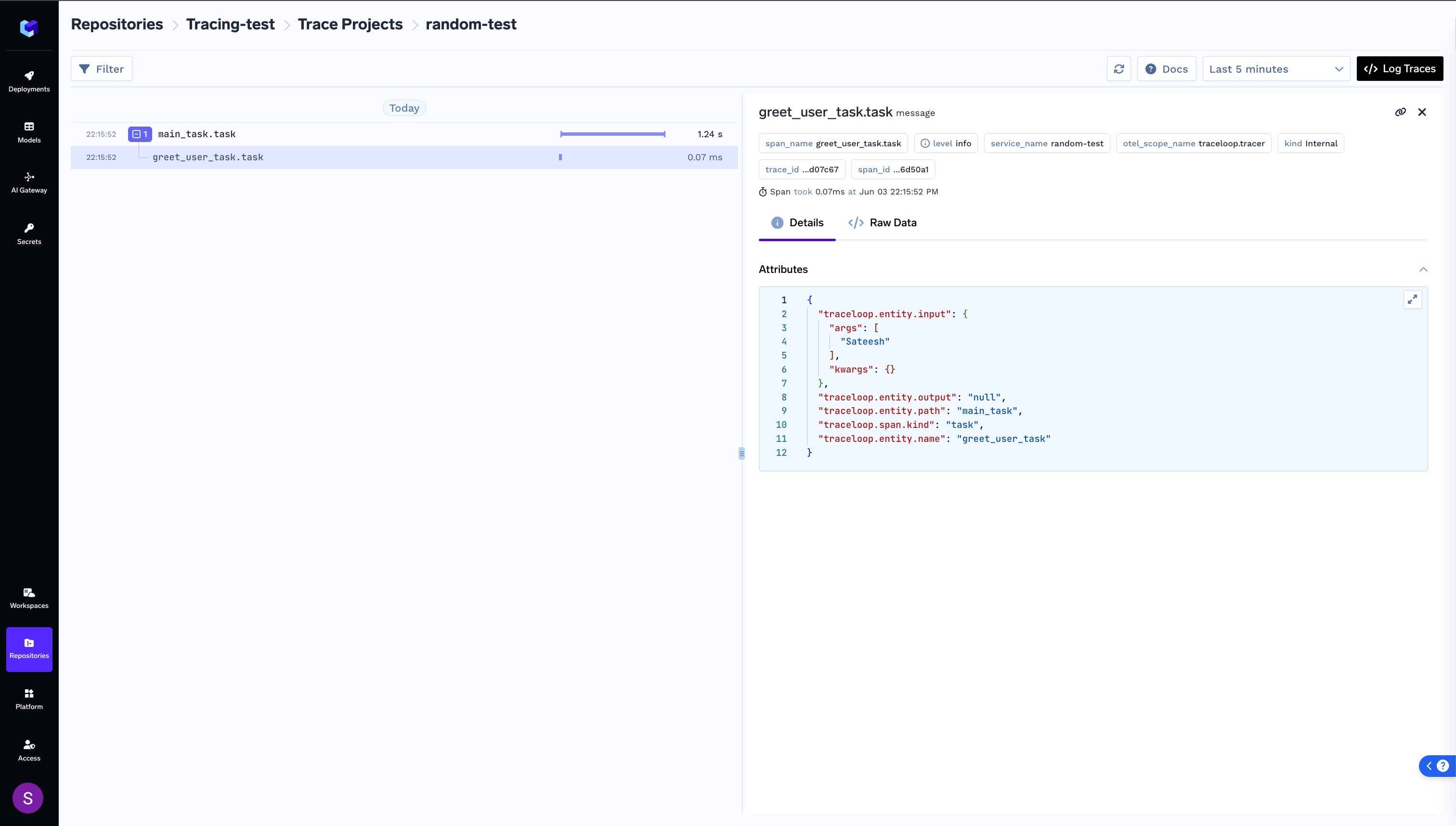
Run your application and view logged trace