

Why GitOps?
Using Git as the single source of truth gives you version history and auditability (who changed what, when), safe rollbacks by reverting commits, and consistent environments—CI applies only what’s in the repo, reducing drift and manual errors.Our approach to GitOps
TrueFoundry’s GitOps approach closely follows the principles established by Kubernetes GitOps tools like ArgoCD and Flux. Instead of inventing a new configuration language or workflow, TrueFoundry treats your YAML manifests as the single, declarative snapshot of platform state—stored in Git and applied as-is via the TrueFoundry CLI. This eliminates drift, reduces manual steps, and lets you manage everything through familiar workflows. The main benefits of this approach are:- No new DSL to learn — You don’t need to learn Terraform or a custom spec. We use plain YAML that matches how you already think about resources.
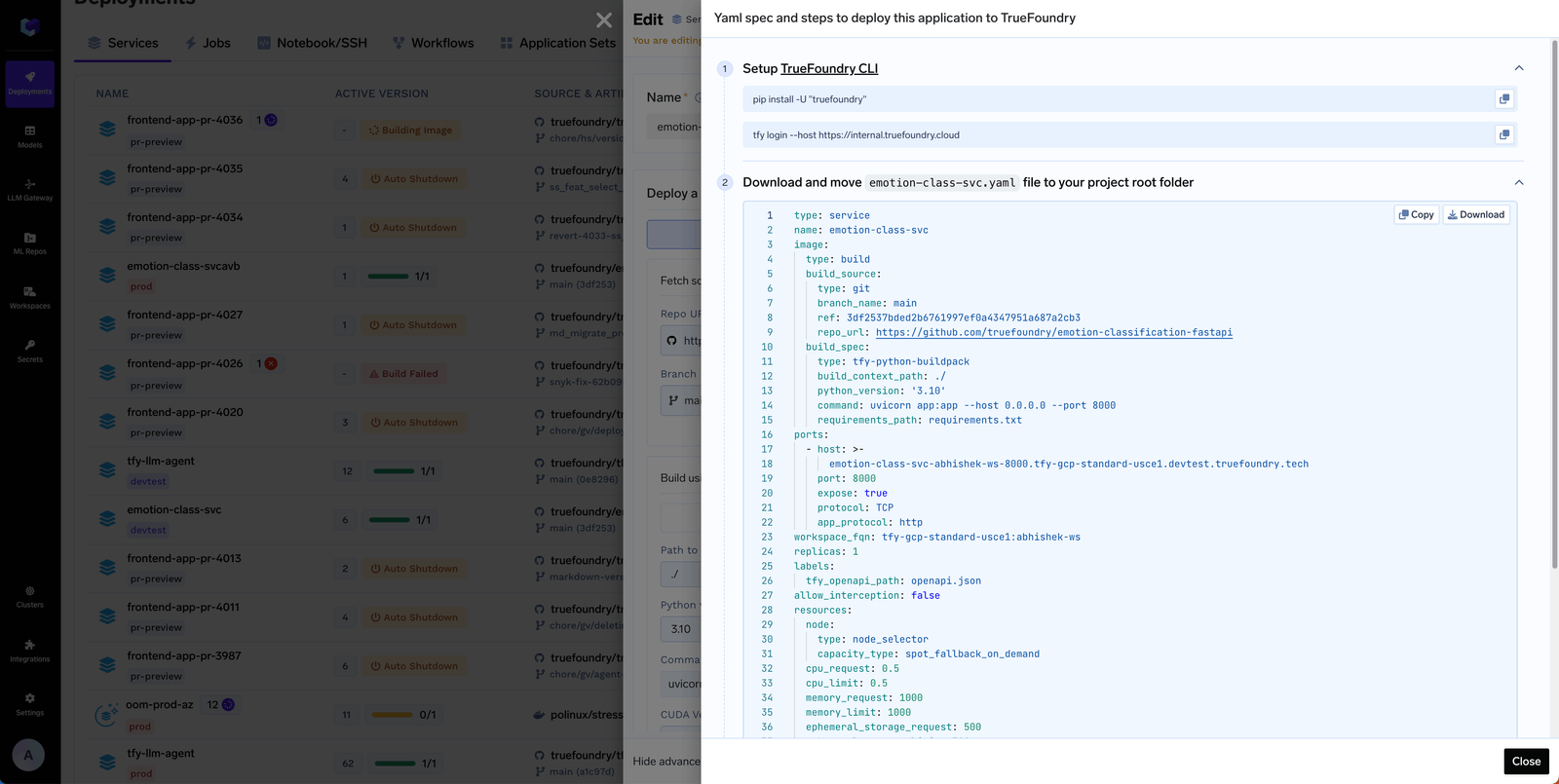
- Generate from the UI, paste into Git — Create or edit resources in the TrueFoundry UI, then use Edit → Apply using YAML to copy the YAML and paste it into your Git repository. Your Git repo then reflects the full state of resources in TrueFoundry.
- One command in CI — The entire workflow is: change YAML in Git, and in CI run
tfy apply -d truefoundry. That single command validates and applies (or dry-runs) everything. No complex pipelines or per-resource scripting.
tfy apply is the only command you need to sync that state to TrueFoundry. For a full reference on all tfy apply flags and modes (dry run, diff, directory mode, sync mode, and more), see Using CLI to Deploy Resources with tfy apply.
If you need Terraform support for infrastructure-as-code, we’d love to help. Reach out to us and we can work with you or explore adding Terraform support.
Organizing the Git repository
Each resource in Truefoundry can be expressed in a YAML file. You can put the YAML files for all the resources in a Git repository. We provide a sample repository (https://github.com/truefoundry/truefoundry-gitops-sample-repository) that you can use as a template for your own Git repository. Key points to note in this repository are:- All manifests live under
truefoundry/ - CI runs
tfy apply -d truefoundryon that folder. You only need to include the folders that match what you use on the platform.
Key Folders in the GitOps Repository
Below is a summary table of the main folders you’ll see in the sample GitOps repo, what each one contains, and which module (product area) they are related to.| Folder (link) | Description | What it Contains | Related Module(s) |
|---|---|---|---|
| access/ | Access control configuration | Teams, external identities, SSO providers, roles, and virtual accounts | Shared (Applies to all) |
| ai-gateway/ | AI Gateway configuration | Models, guardrails, MCP servers, routing/controls, gateway options | AI Gateway |
| integrations/ | Third-party integration configs | Provider and integration definitions (AWS, GCP, Azure, etc.) | Shared (Applies to all) |
| ai-deployment/ | ML & Application deployments | Applications (jobs/services), workspaces, clusters, environments, model registry, policies | Deployment/ML Platform |
| repositories/ | Artifact/ML Repo configurations | ML repositories, artifact tracking, experiment tracking setup | AI Deployment, Prompts in AI Gateway |
If you are using AI Gateway only, you can ignore the
ai-deployment/ folder.truefoundry/ in your repo.
Setup CI/CD
Your CI/CD pipeline syncs Git with TrueFoundry by runningtfy apply. The sample repository includes ready-to-use CI configs for GitHub Actions (.github/workflows/) and Bitbucket Pipelines (bitbucket-pipelines.yml) — copy them into your repo to get started immediately.
Every pipeline follows the same three steps:
Install the TrueFoundry CLI
Install the CLI in your pipeline (and optionally locally to test before pushing):For local login and authentication (browser or API key), see Setup For CLI.
Set authentication
In CI, set these two environment variables (no interactive login needed):
TFY_HOST— your TrueFoundry host (e.g.https://myorg.truefoundry.cloud)TFY_API_KEY— API key from Access > Personal Access Tokens (or a Virtual Account token for production)
Run tfy apply
tfy apply works on a directory and all YAML specs under it. Point it at your GitOps root — tfy apply -d truefoundry — so CI validates and applies the whole tree in one step.| When | Command |
|---|---|
| Pull request (validate only, do not apply) | tfy apply -d truefoundry --dry-run --show-diff --diffs-only --sync --ref <base-ref> |
Default branch (e.g. after merge to main) | tfy apply -d truefoundry --diffs-only --sync --ref "HEAD^" |
<base-ref>is the commit you’re comparing against (e.g. the PR base branch commit, ororigin/main).--diffs-onlyapplies or dry-runs only what changed, keeping runs fast and safe.--syncdeletes resources from TrueFoundry for YAML files that are deleted in git based on the git diff.
CI/CD examples
Below are ready-made configs for GitHub Actions and Bitbucket, a Jenkins example, and a general guide for any other CI/CD system.- GitHub Actions
- Bitbucket Pipelines
- Jenkins
- Other CI/CD systems
The sample repository includes workflows under
.github/workflows/. Copy that folder into your repo (or fork the sample). Two workflows:dry_run_on_pr.yaml — on pull request open/update:- Validates YAML and that filenames match the resource
namewhere applicable. - Runs
tfy apply --dry-runontruefoundry/with--diffs-only,--syncand--refagainst the PR base so nothing is applied.
main):- Runs
tfy applyontruefoundry/with--diffs-only,--syncvs the previous commit: new and updated manifests are applied; resources removed from Git are removed from the platform.
Set repository secrets
TFY_HOST and TFY_API_KEY as described in the sample README.