

What is Qwen Code?
Qwen Code is an open-source, AI-powered terminal coding assistant optimized for the Qwen3-Coder model. It helps you understand large codebases, automate tedious work, and ship faster — all from the command line.Key Features
- Terminal-Native AI Agent: Chat with AI models, edit files, and run commands directly from your terminal without switching contexts
- Repository-Scale Understanding: Analyzes codebases beyond traditional AI context limits with intelligent context management
- Multi-Protocol Support: Works with OpenAI, Anthropic, and Google GenAI compatible APIs — making it easy to route through TrueFoundry
- Agentic Workflow: Built-in Skills and SubAgents for a full agentic coding experience
Prerequisites
Before integrating Qwen Code with TrueFoundry, ensure you have:- TrueFoundry Account: Create a TrueFoundry account with at least one model provider configured and generate a Personal Access Token by following the instructions in Generating Tokens. For a quick setup guide, see our Gateway Quick Start
- Qwen Code Installation: Install Qwen Code CLI using one of the methods below:
- Quick Install (curl)
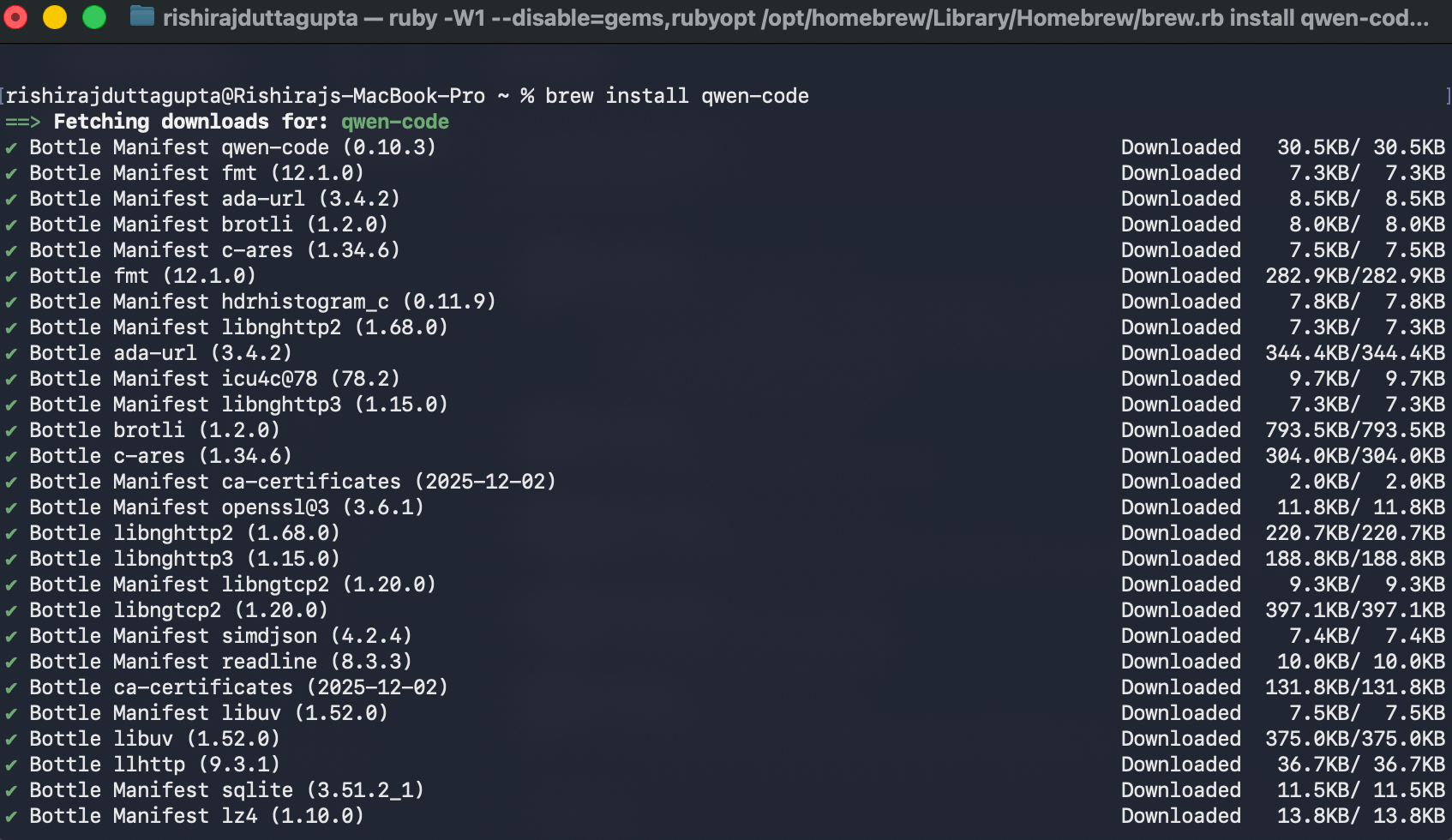
- Homebrew
- npm
- Windows
The recommended one-line installer for Linux and macOS: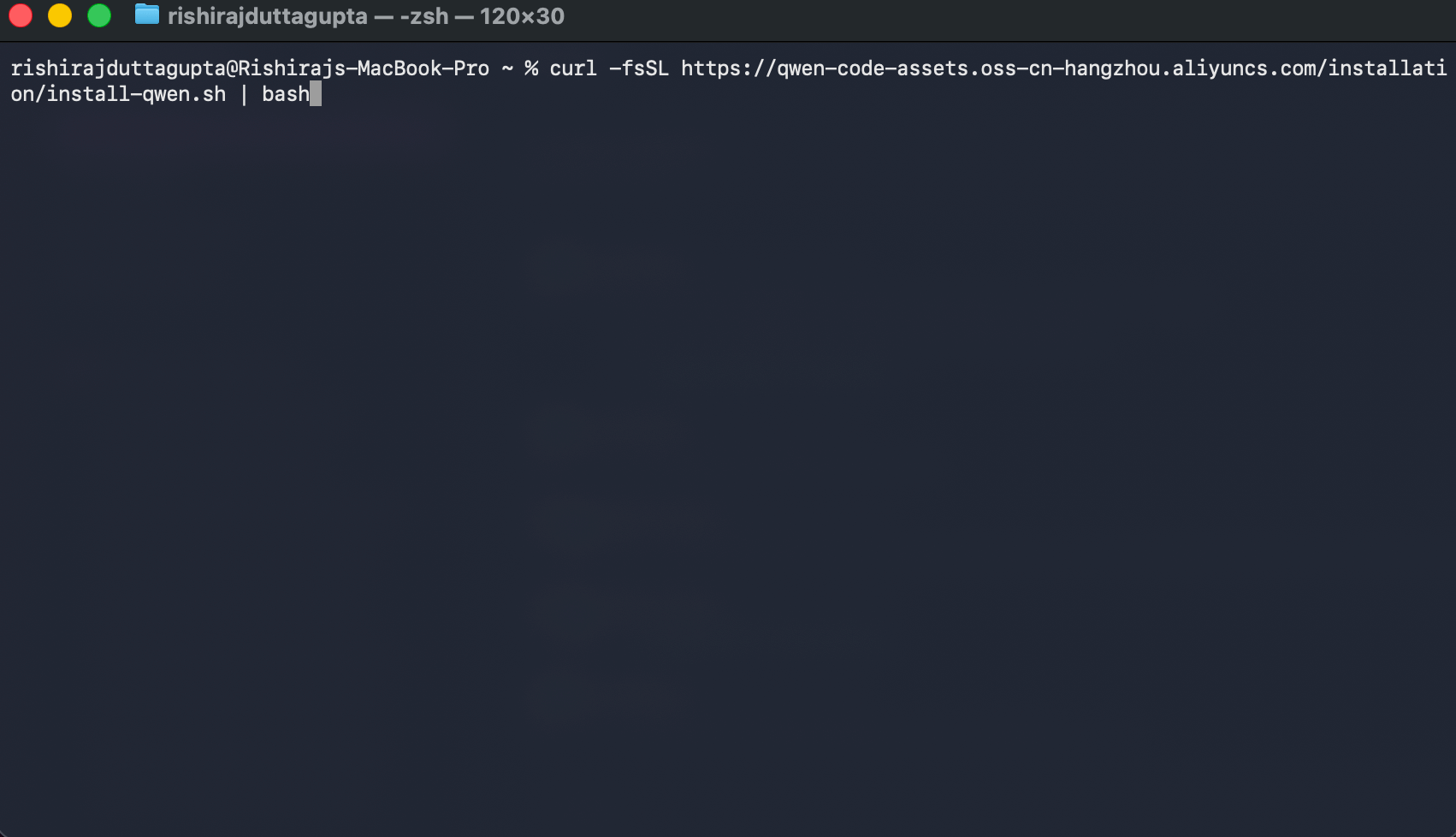
Restart your terminal after installation to ensure environment variables take effect.
Setup Process
1. Get Configuration Details
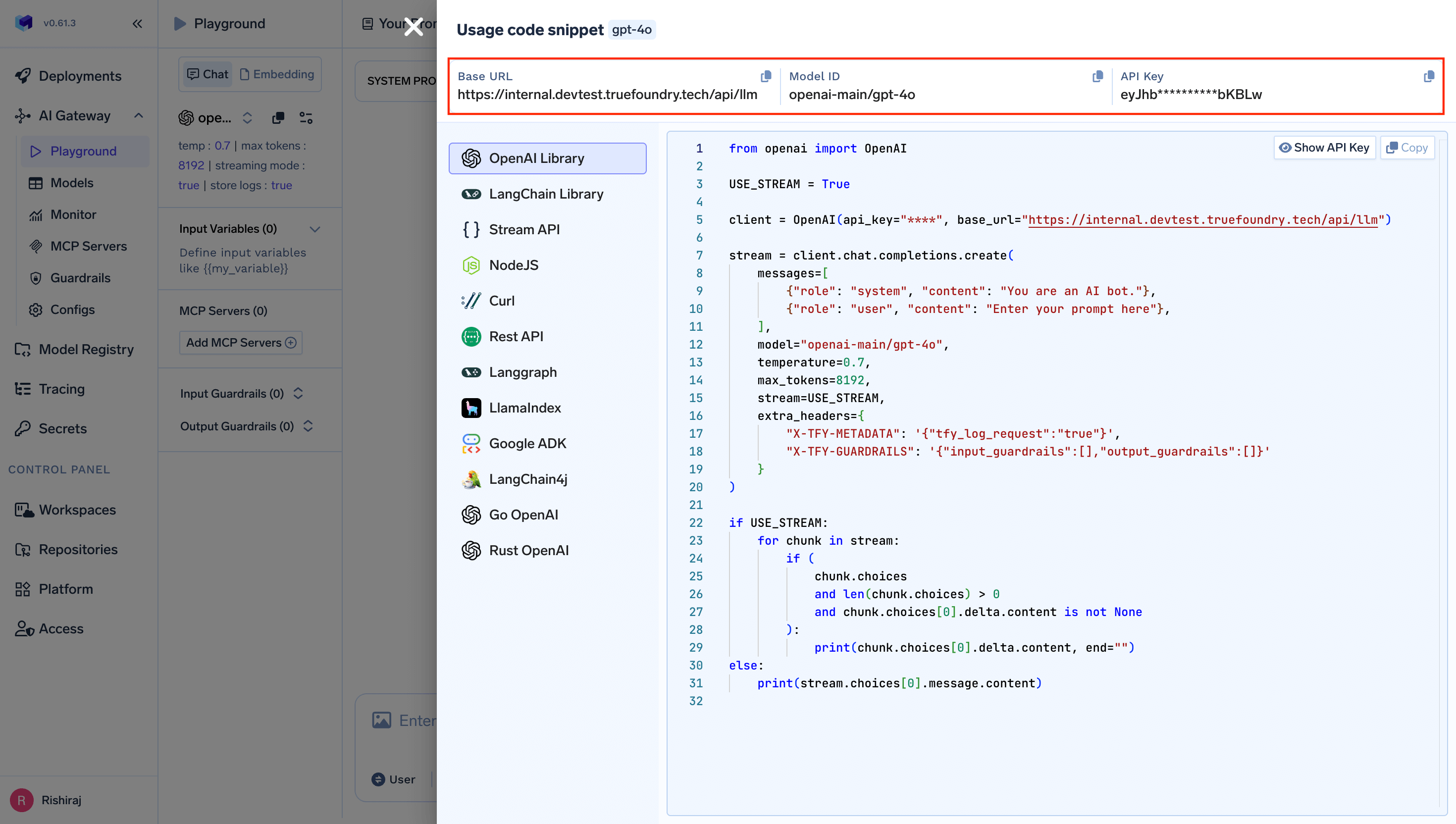
Get thebase URL and model name from your TrueFoundry AI Gateway playground using the unified code snippet:
2. Configure Qwen Code
Qwen Code uses asettings.json file for configuration. Edit (or create) the file at ~/.qwen/settings.json to route requests through TrueFoundry:
{GATEWAY_BASE_URL}→ Your TrueFoundry Gateway Base URLyour-truefoundry-api-key→ Your TrueFoundry Personal Access Tokenopenai-main/gpt-4o→ Your desired model inprovider-name/model-nameformat
The
id and model.name fields should use the fully qualified model name from TrueFoundry (e.g., openai-main/gpt-4o, anthropic/claude-4-sonnet). You can find the exact model name in the TrueFoundry AI Gateway playground.3. Configure Multiple Models (Optional)
You can configure multiple models from different providers to switch between them during a session:Usage Examples
Interactive Mode
Launch the interactive terminal UI in your project directory:Headless Mode
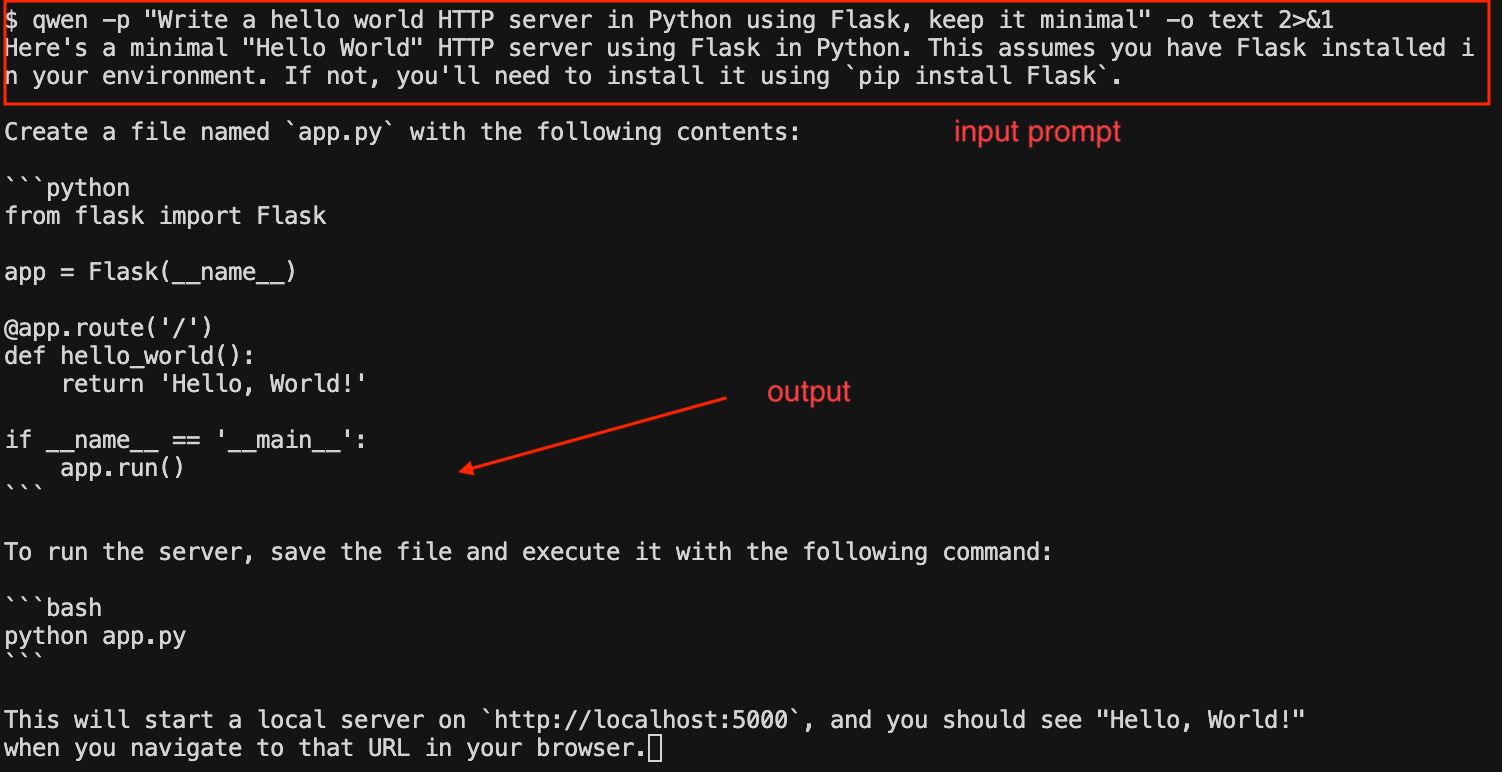
Use the-p flag to run Qwen Code without the interactive UI — ideal for scripts, automation, and CI/CD:
Common Prompts
Observability
All requests routed through TrueFoundry AI Gateway are automatically logged and available for monitoring. You can view request traces, latencies, token usage, and full request/response details in the TrueFoundry dashboard.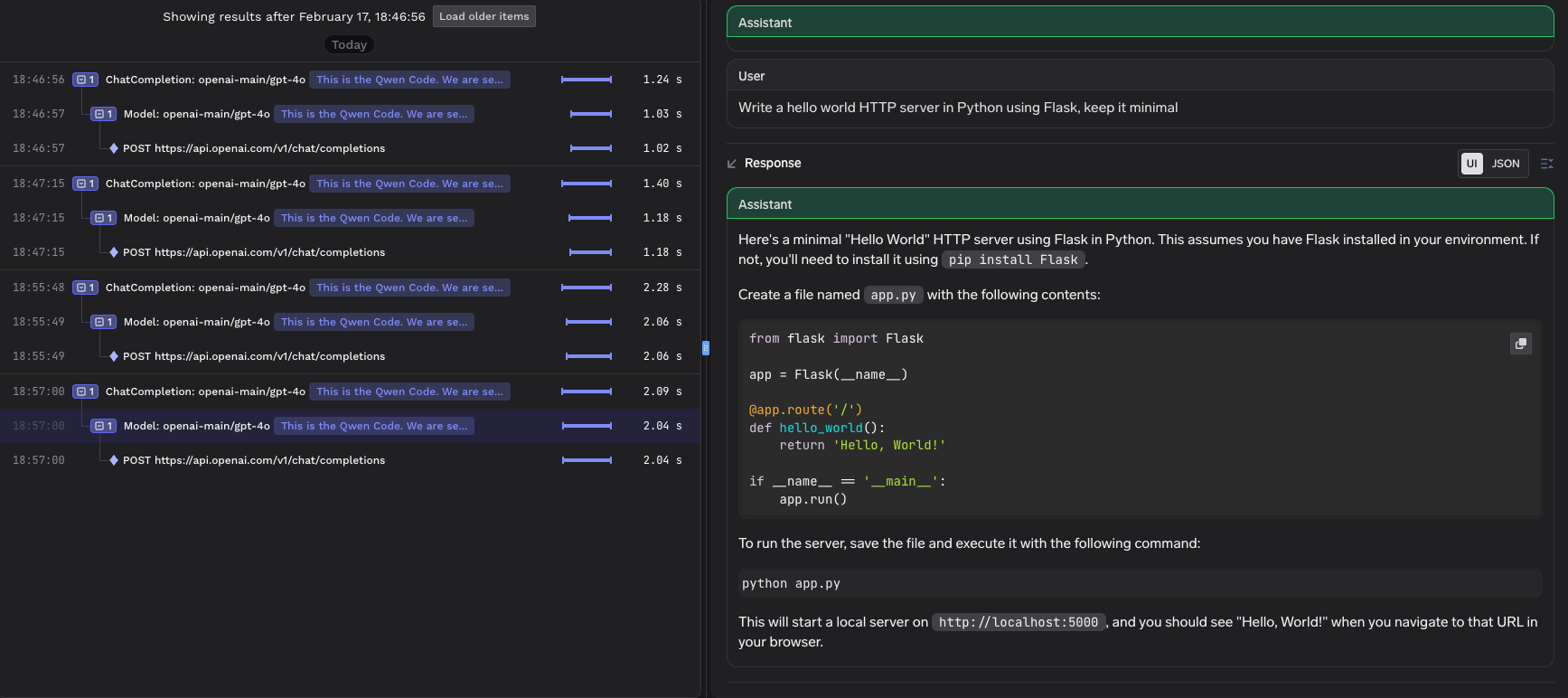
- Request traces: See every request made by Qwen Code, including the model used and response times
- Token usage: Track input and output token consumption across sessions
- Cost monitoring: Monitor spend across different models and providers
- Governance: Enforce policies, rate limits, and access controls on all AI requests