Create Virtual Accounts
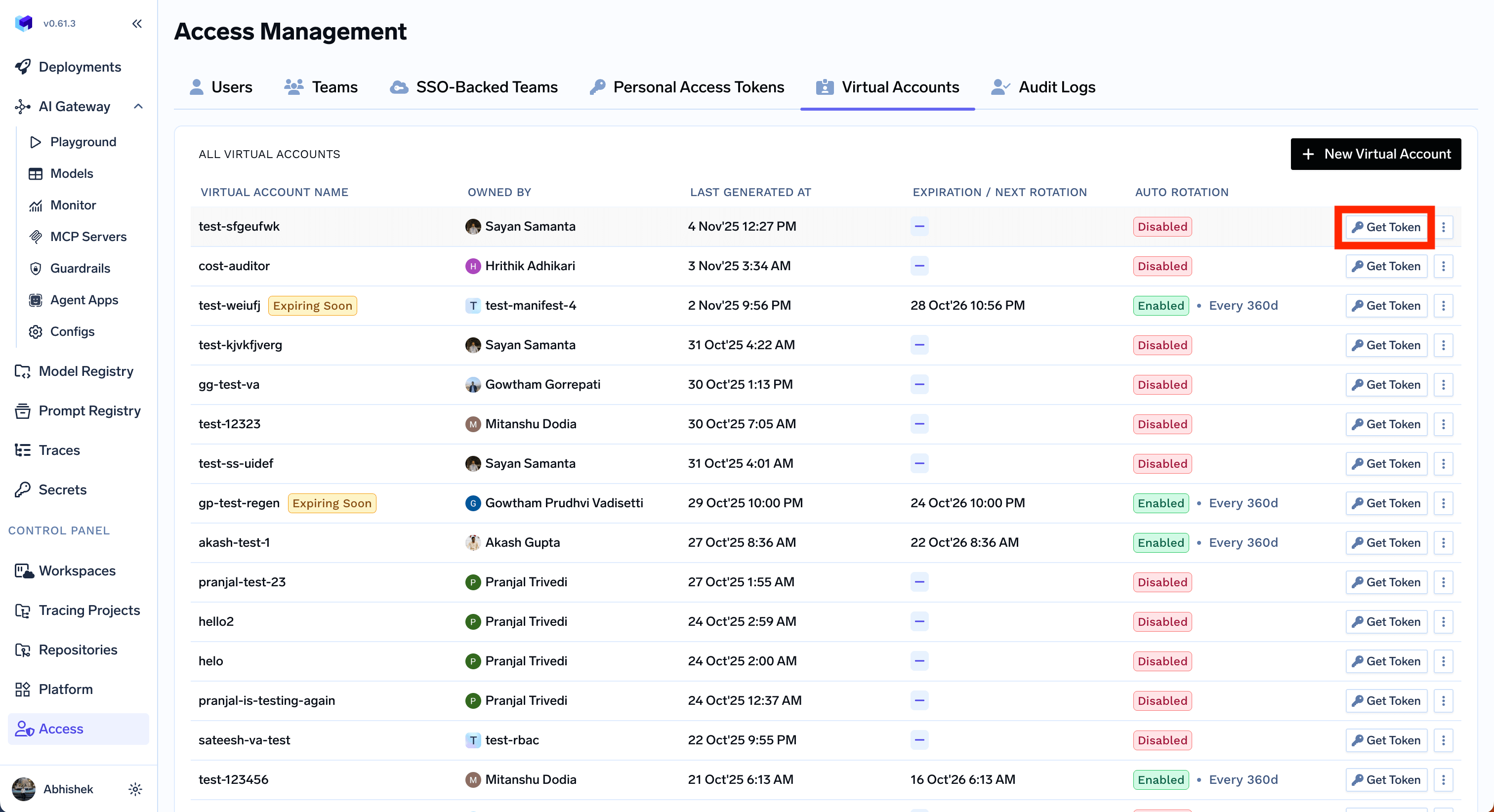
You can create and assign permissions to a virtual account as shown below:
Once you create a virtual account, you can get the token for it by clicking on the
Get Token button.
Identity provider mappings
If you configure an Identity Provider to resolve tokens to virtual accounts, you can map IdP claim values directly to a virtual account. Use this when a machine user, application, CI job, or external service presents a JWT from your IdP and should assume a specific TrueFoundry virtual account.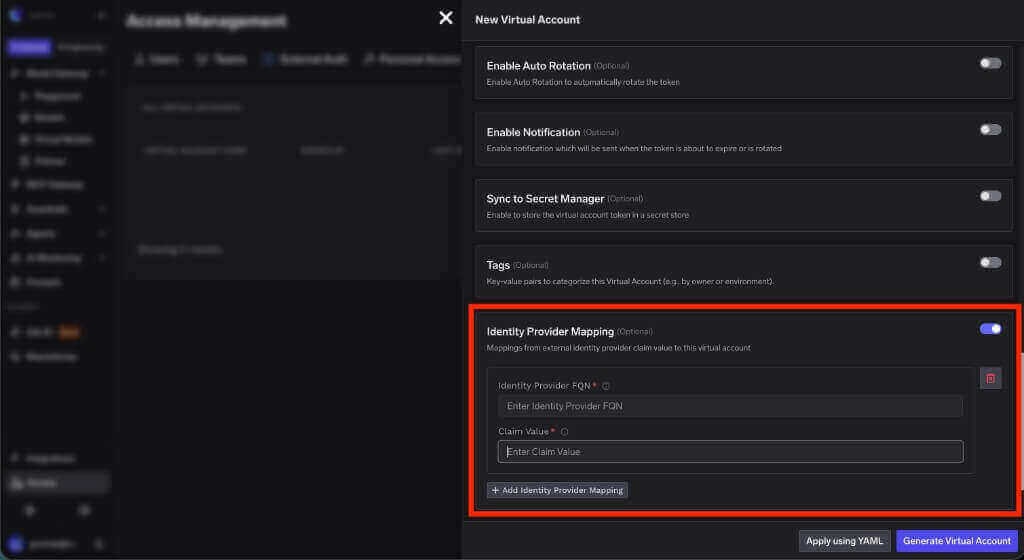
The fully qualified name of the Identity Provider that validates the incoming JWT. Copy this value from the Identity Provider configuration.
The value from the claim configured as the virtual account name claim. For example, if the Identity Provider uses
client_id as the name claim and the token contains gateway-service, enter gateway-service here.Configure auto-rotation of virtual account tokens
You can configure auto-rotate to automatically rotate the token at an interval. In auto-rotation, new token will be generated and can be retrieved using UI or API while the older token will be active for a grace period that is configurable.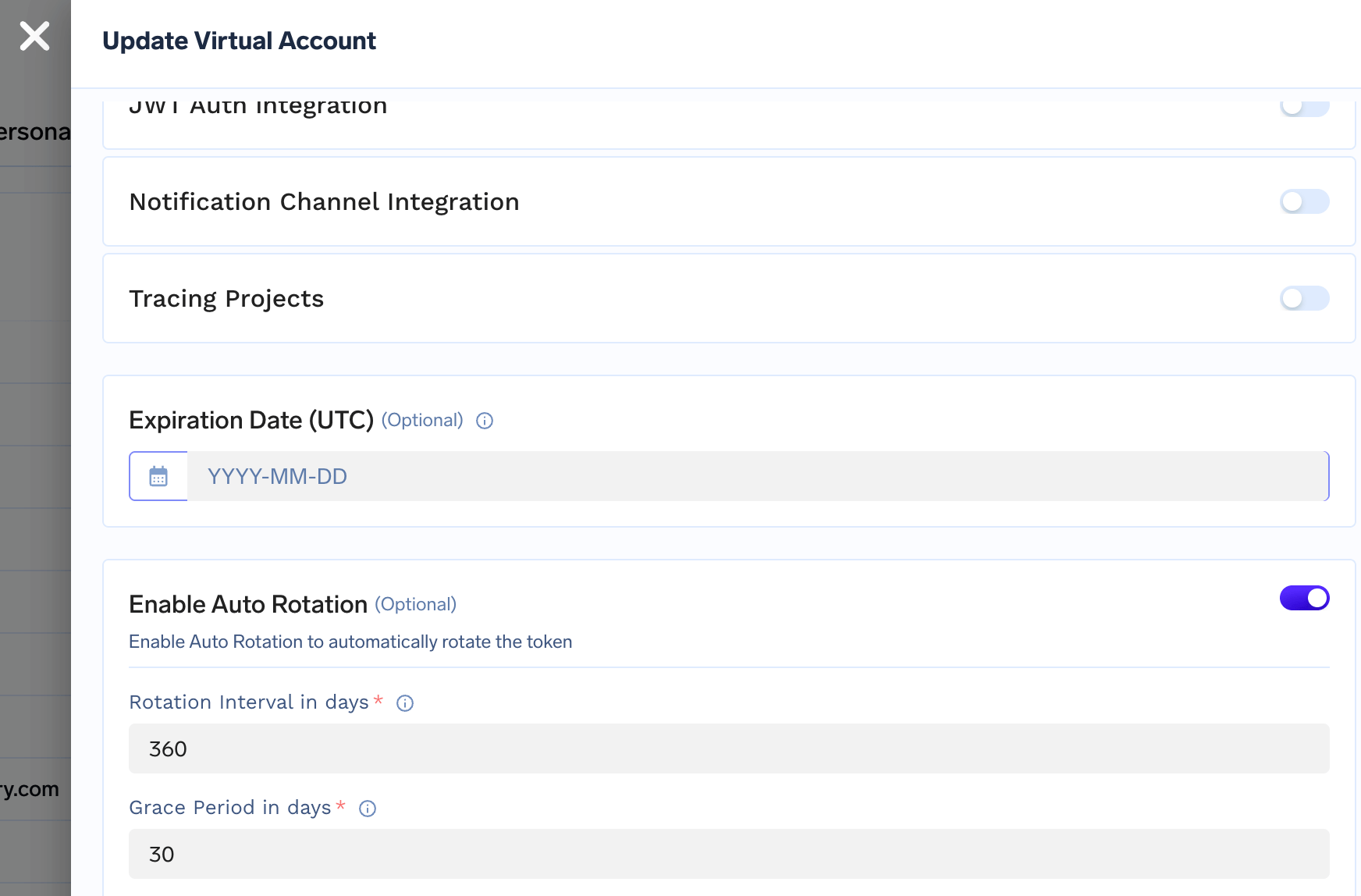
Configure notification on token rotation
You can get notified via email or Slack when a token is rotated. To configure notification, you first need to add an integration for email or Slack. You can find the instructions here and here.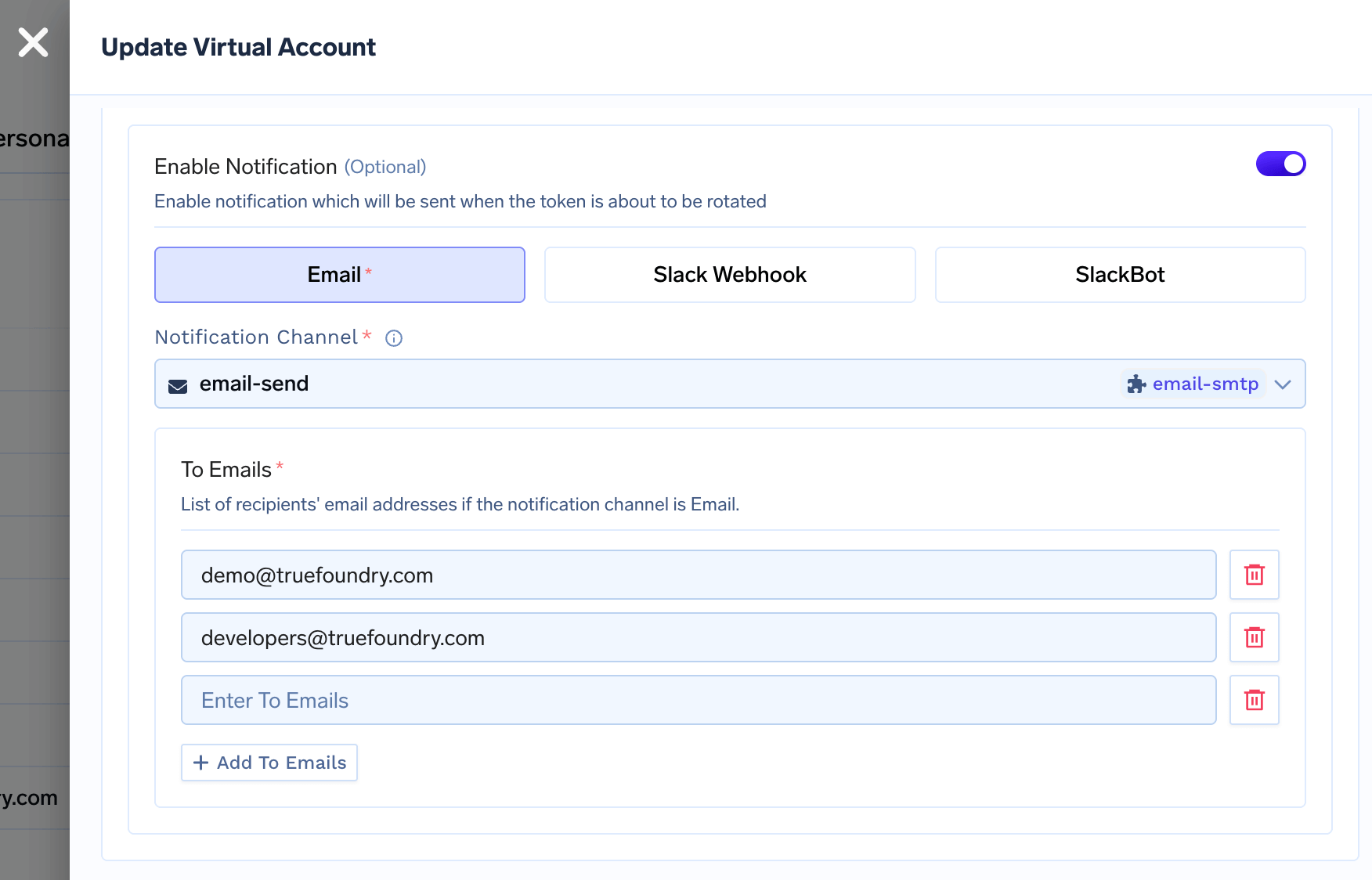
Configure secret store sync for virtual account tokens
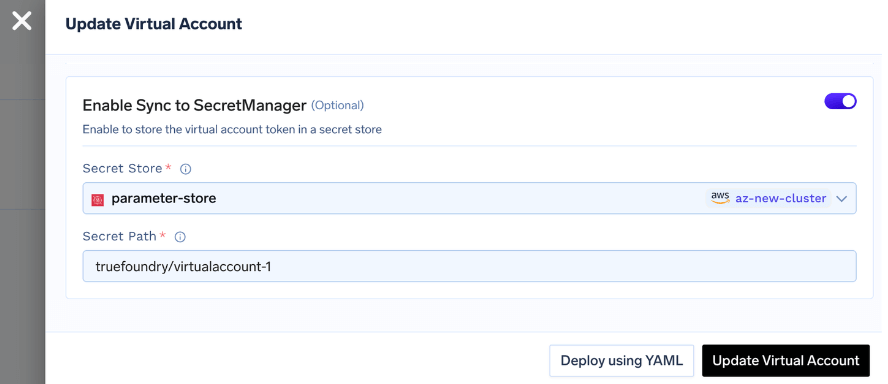
You can configure Truefoundry to automatically sync the virtual account token to a secret store of your choice. To use this feature, you first need to integrate a secret store with Truefoundry. Truefoundry supports integrations with AWS Parameter Store, AWS Secrets Manager, Google Secret Manager, HashiCorp Vault, Azure Vault, etc. You can find the instructions here.