Adding Models
Add Deepgram models to the AI Gateway and set up access in three steps.Navigate to Deepgram Models in AI Gateway
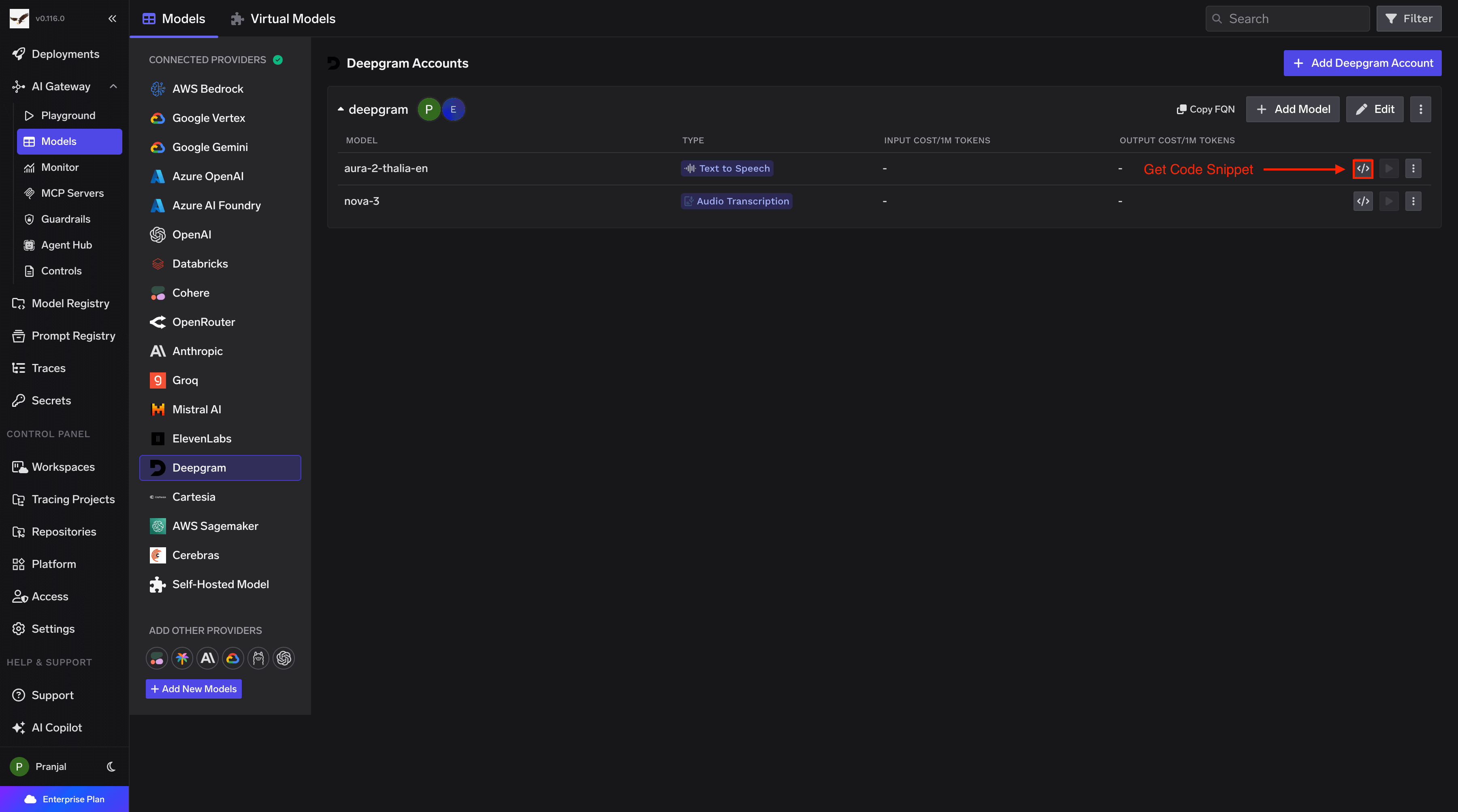
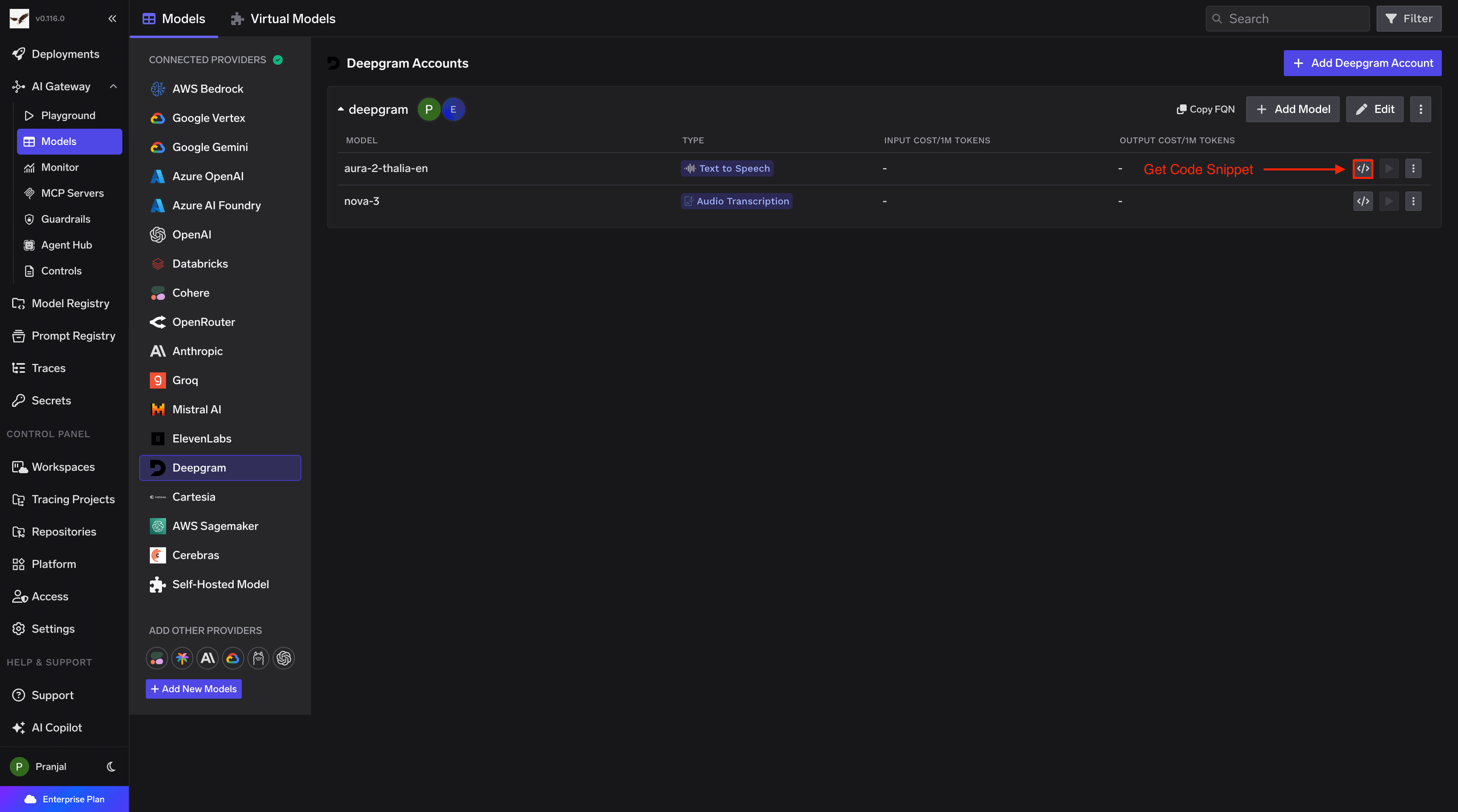
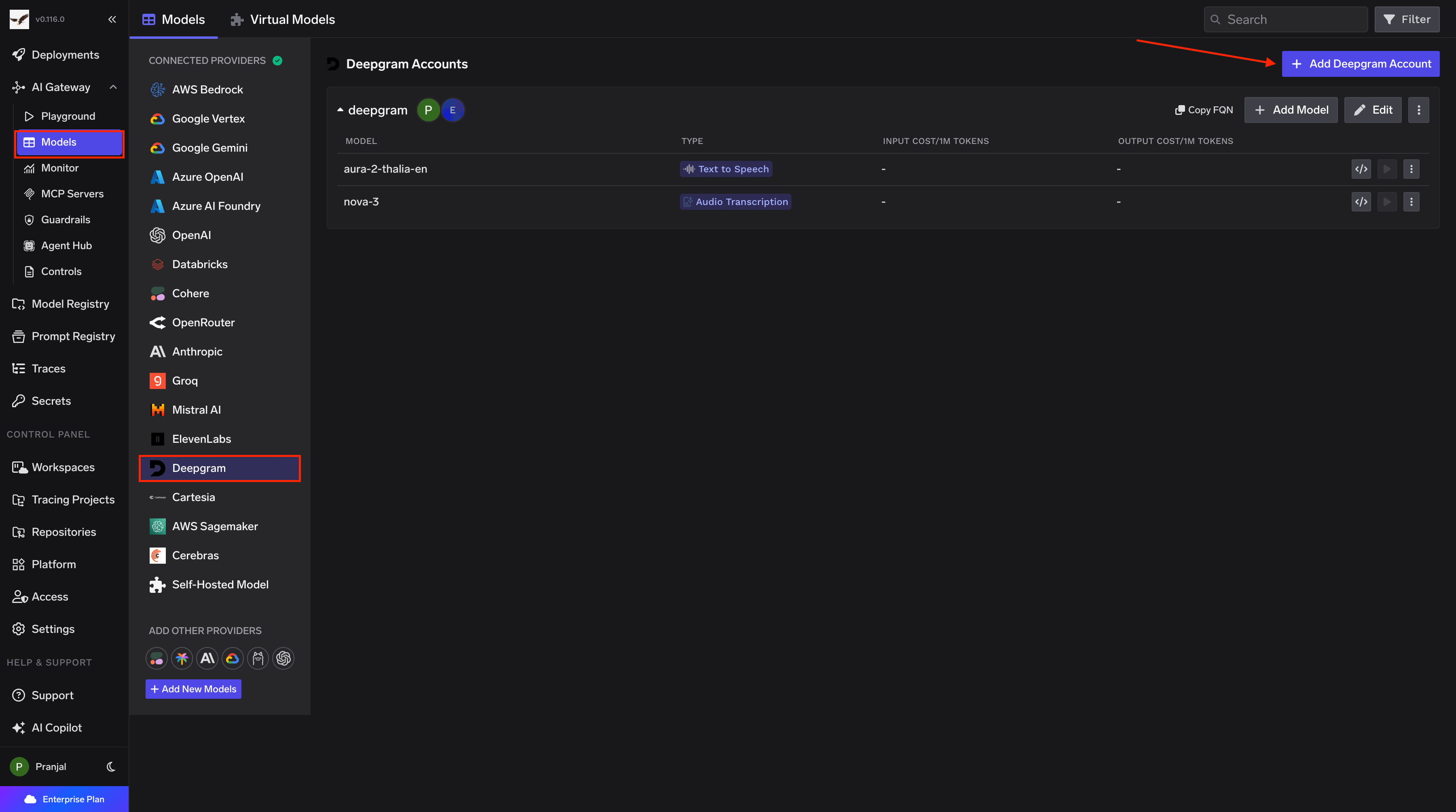
In the TrueFoundry dashboard, go to AI Gateway → Models and select Deepgram.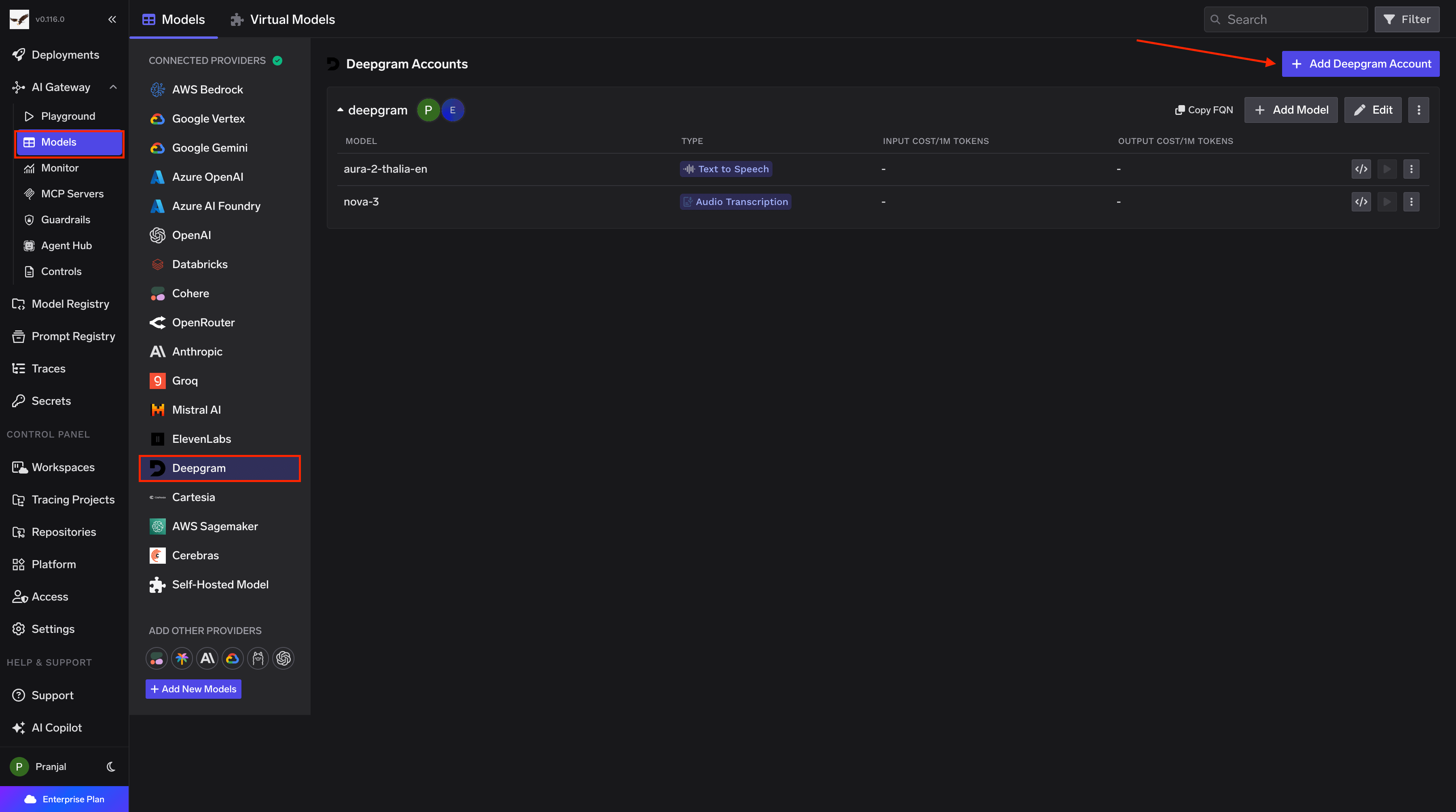
Add Deepgram Account Details
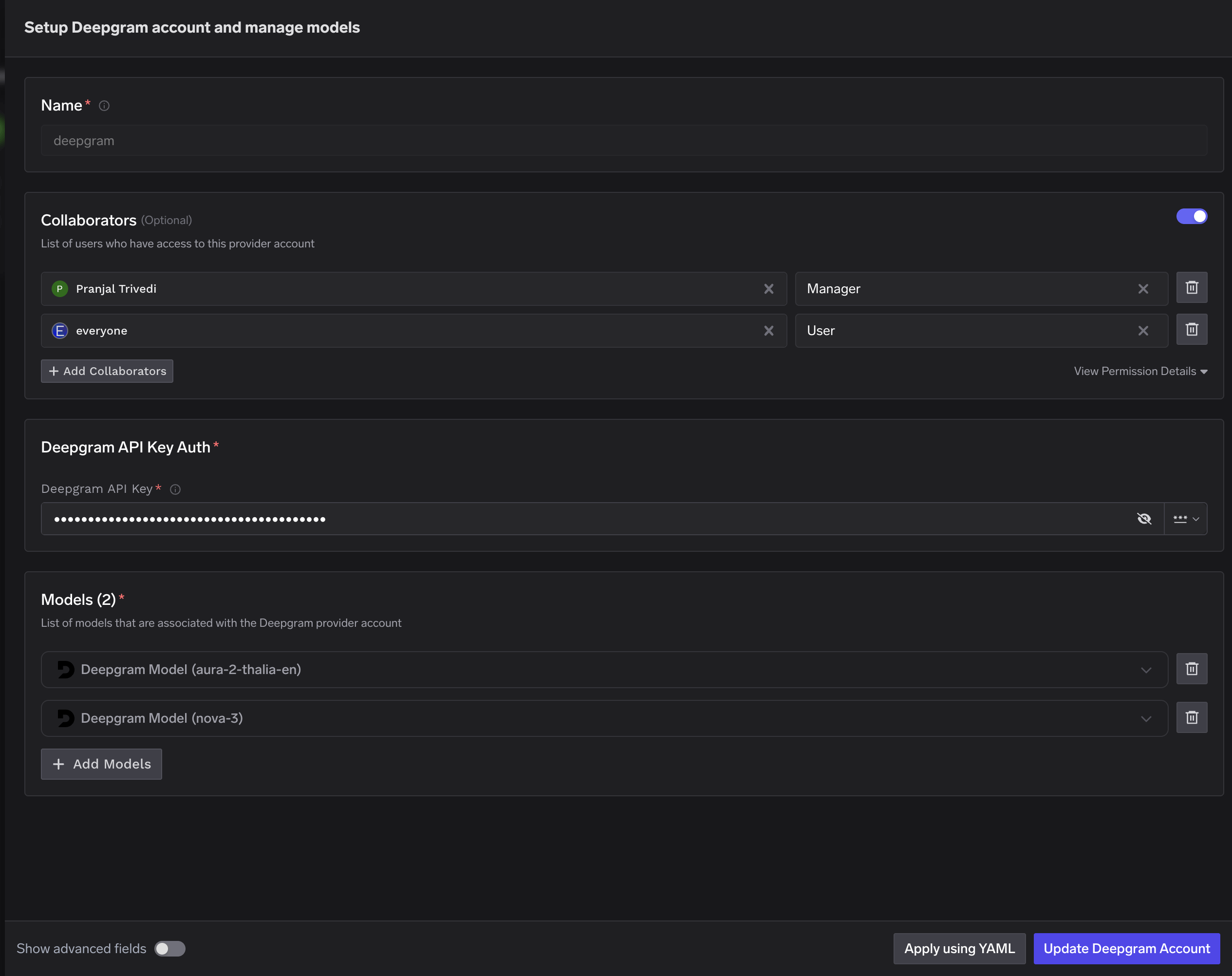
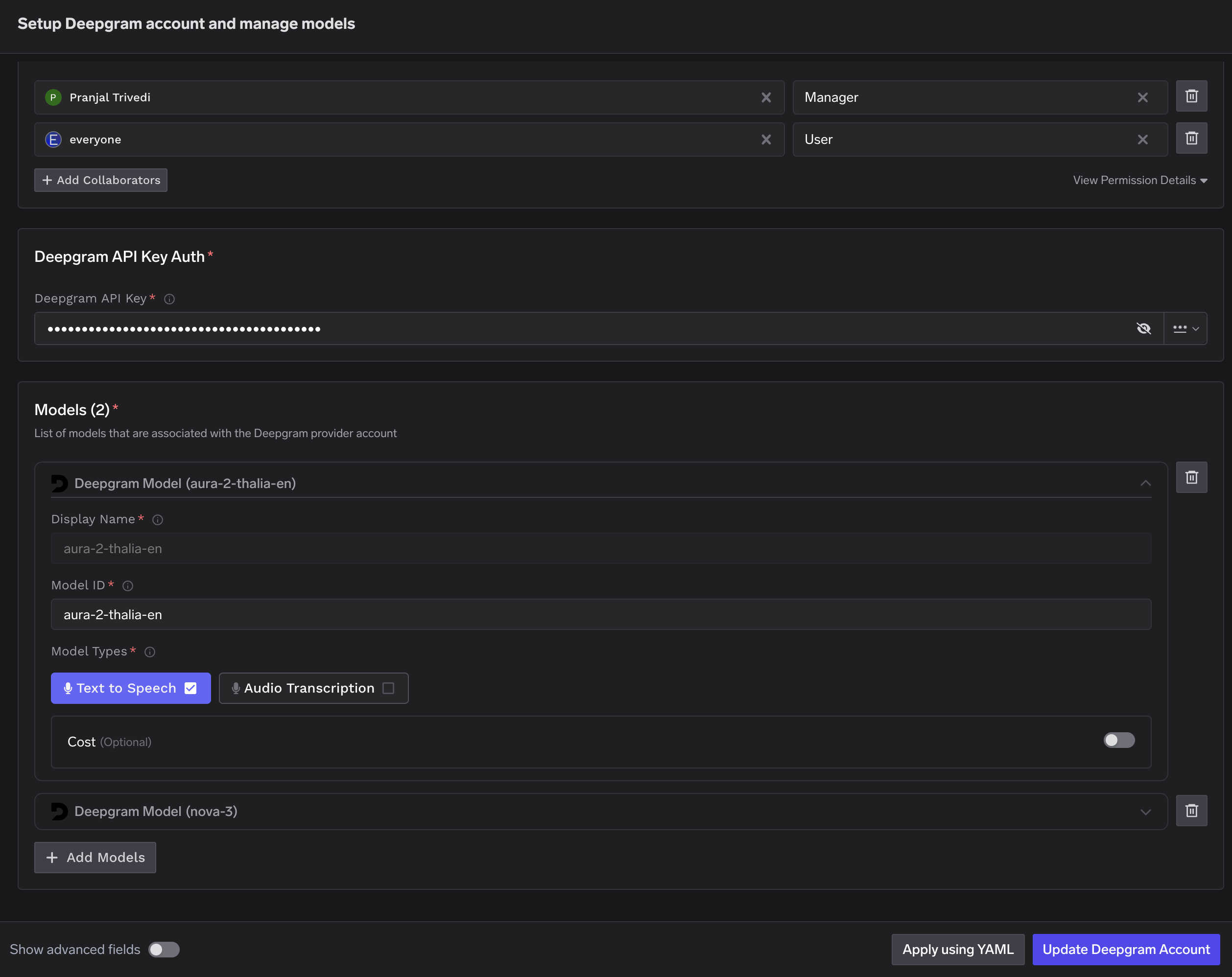
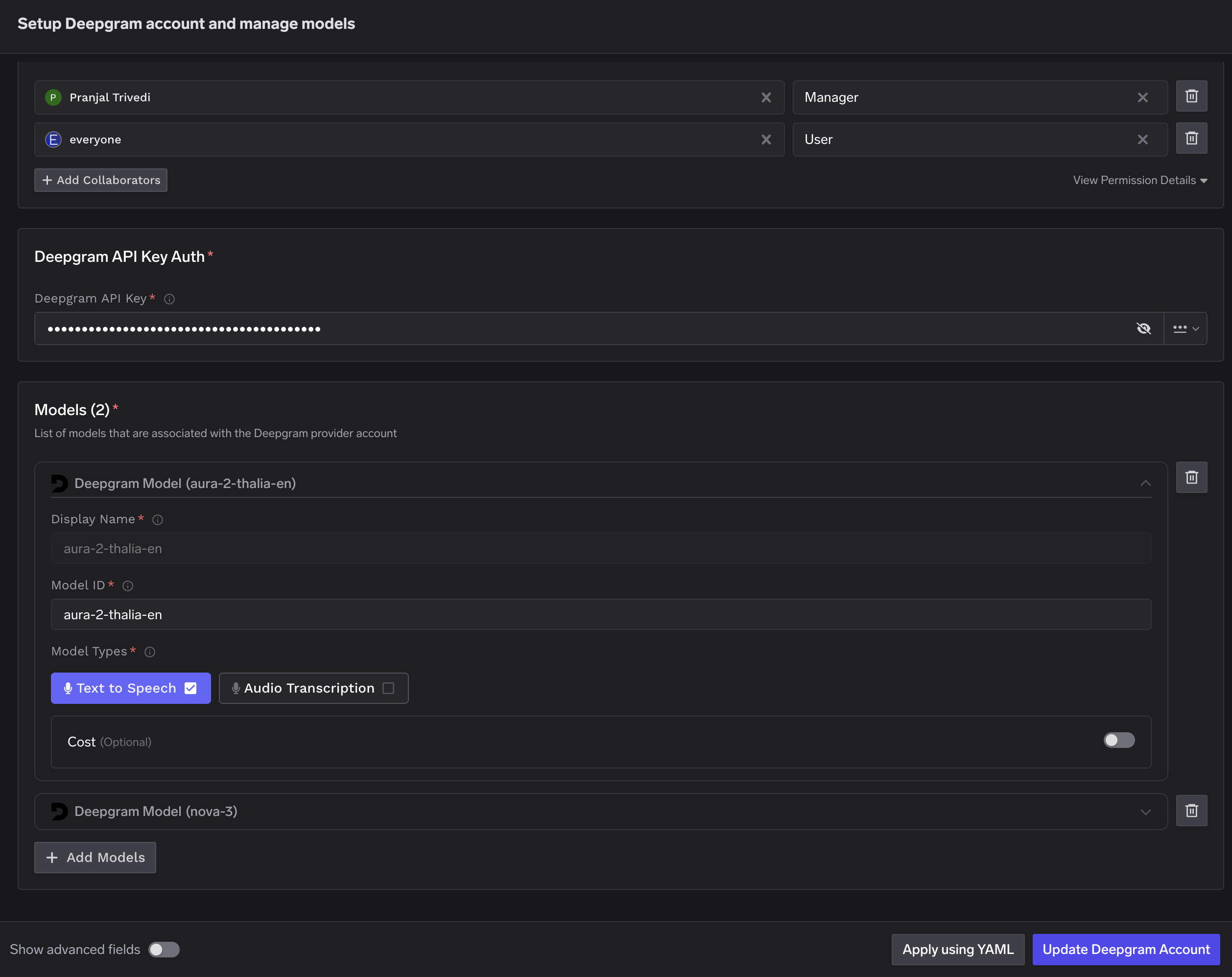
Click Add Deepgram Account. Enter a unique account name and your Deepgram API Key. Optionally add collaborators so other users or teams can use this account. See Gateway access control for details.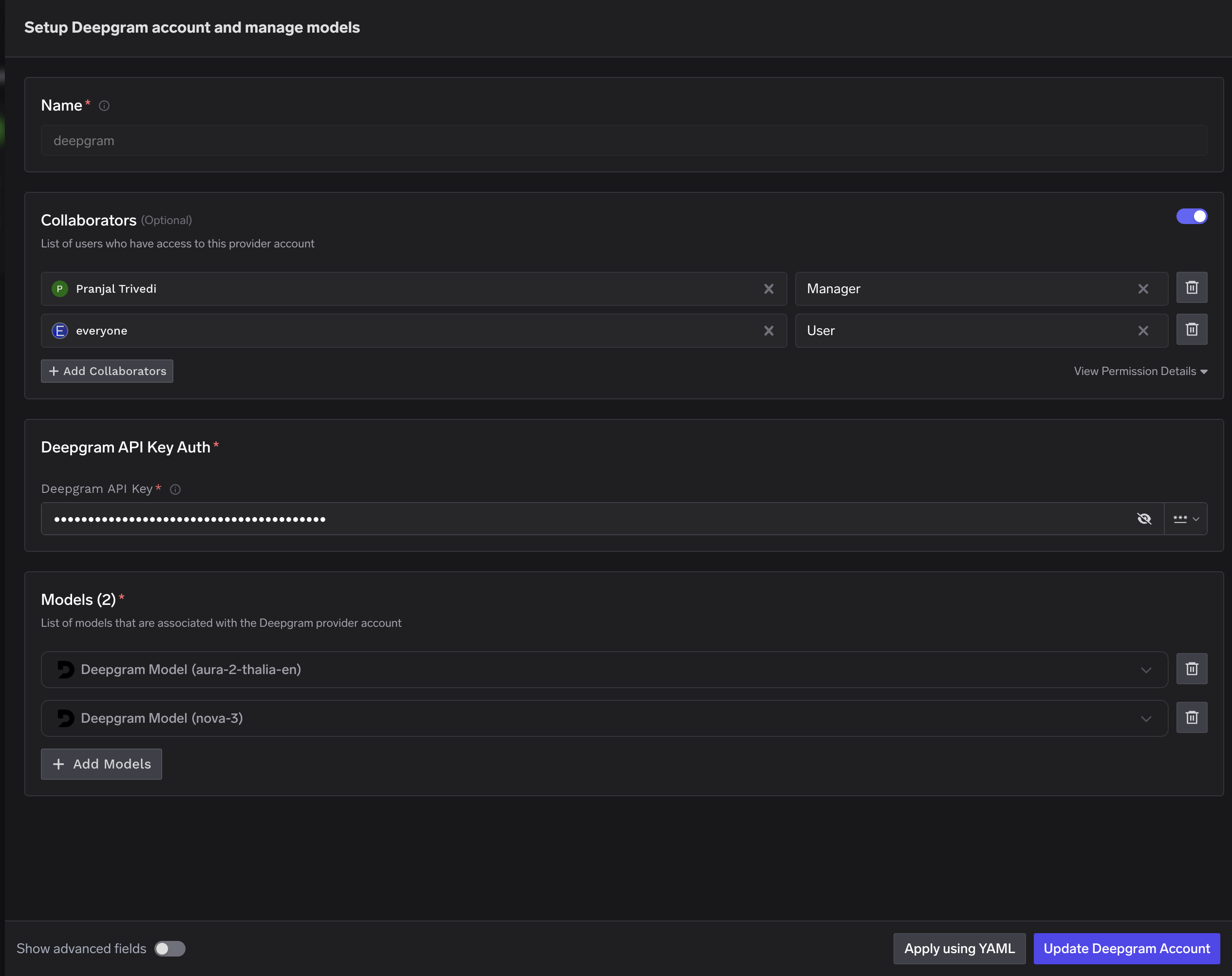
Inference
Once models are added, use the Deepgram Native SDK to call TTS and STT endpoints.