

This guide explains how to use TrueFoundry’s built-in Prompt Injection guardrail to detect and block prompt injection and jailbreak attempts in LLM interactions.Documentation Index
Fetch the complete documentation index at: https://www.truefoundry.com/llms.txt
Use this file to discover all available pages before exploring further.
Implementation: This guardrail is powered by Azure Prompt Shield and runs on TrueFoundry-managed infrastructure — no third-party API keys or setup required. For vendor-hosted prompt-injection controls using your own credentials (Azure Prompt Shield, Bedrock Guardrails, Google Model Armor, and others), see Supported Guardrails and Guardrails Overview.
What is Prompt Injection Detection?
Prompt Injection Detection is a built-in TrueFoundry guardrail that identifies prompt injection attacks and jailbreak attempts in user inputs. It is powered by Azure Prompt Shield under the hood and is fully managed by TrueFoundry — no external credentials or setup required.Key Features
-
Jailbreak & Injection Detection: Detects a wide range of prompt injection techniques including:
- Direct prompt injection attempts that try to override system instructions
- Jailbreak attacks (e.g., “DAN” / “Do Anything Now” style prompts)
- Indirect injection via document or context content
- Dual Analysis: Analyzes both the user prompt and any document/context content separately, catching attacks embedded in either location.
- Zero Configuration: Fully managed by TrueFoundry with no credentials, thresholds, or categories to configure. Works out of the box.
Adding Prompt Injection Guardrail
Create or Select a Guardrails Group
Create a new guardrails group or select an existing one where you want to add the Prompt Injection guardrail.
Add Prompt Injection Integration
Click on Add Guardrail and select Prompt Injection from the TrueFoundry Guardrails section.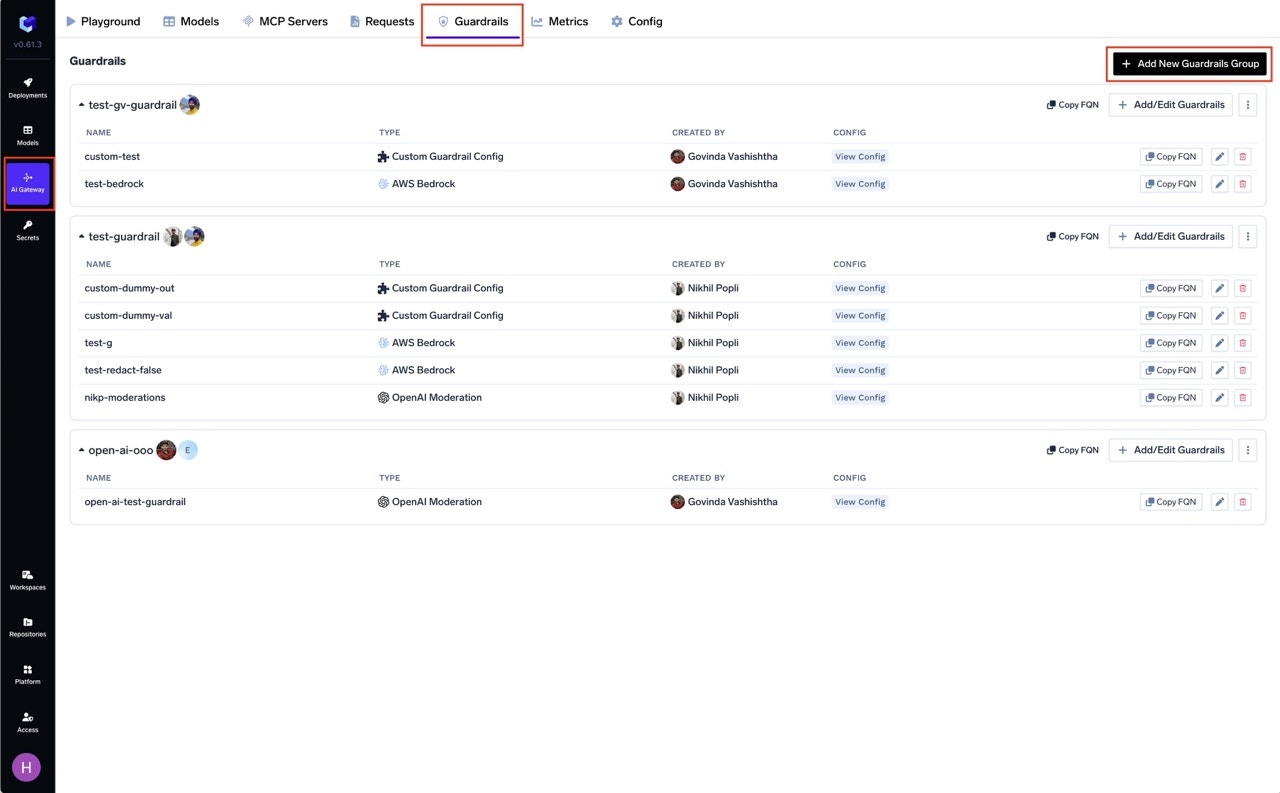
Configure the Guardrail
Fill in the configuration form:
- Name: Enter a unique name for this guardrail configuration (e.g.,
prompt-injection) - Enforcing Strategy: Choose how violations are handled
Configuration Options
| Parameter | Description | Default |
|---|---|---|
| Name | Unique identifier for this guardrail | Required |
| Operation | validate only (detection, no mutation) | validate |
| Enforcing Strategy | enforce, enforce_but_ignore_on_error, or audit | enforce |
Prompt Injection only supports validate mode — it detects and blocks attacks but does not modify content. See Guardrails Overview for details on Enforcing Strategy.
How It Works
The guardrail analyzes incoming content in two parts:- User Prompt Analysis: Scans the user’s message for direct injection or jailbreak patterns
- Document Analysis: Scans any system prompt or context content for indirect injection attempts
Use Cases
| Hook | Use Case |
|---|---|
| LLM Input | Block jailbreak and injection attempts before they reach the LLM |
| MCP Pre Tool | Detect injection attempts in tool parameters |